Feature requests

Changing Colors: Menu Icons & Drop Down

1y agoClosed

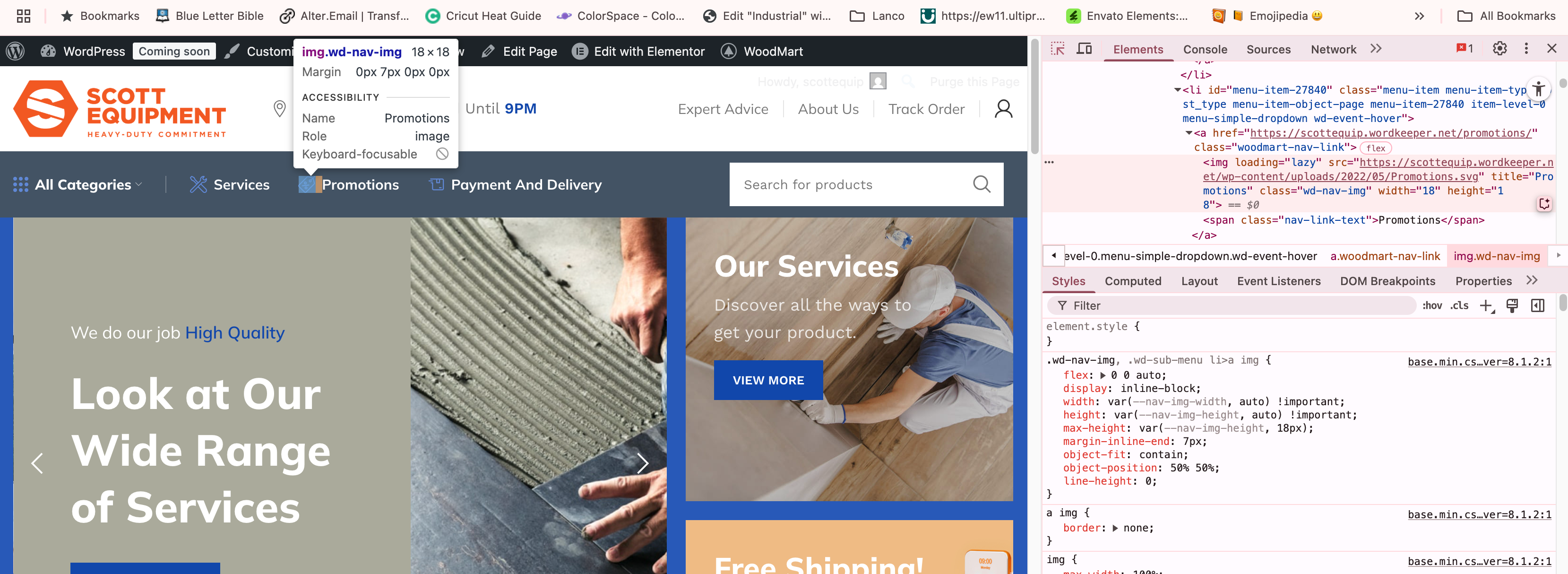
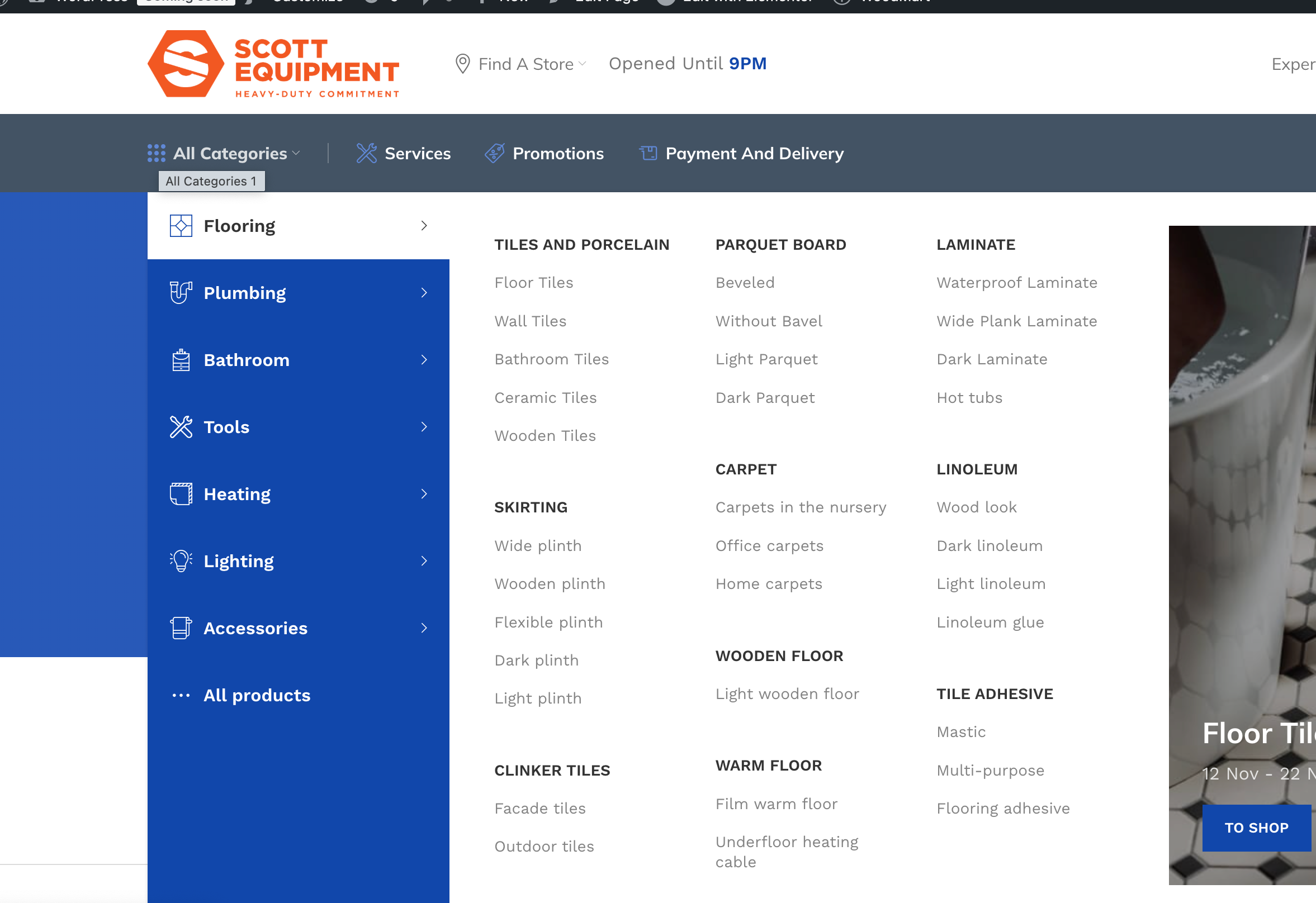
I'm unable to find where to change the icon colors and the drop down menu background color, I'm not finding the options in the header builder, nor the Theme Settings > Colors

  • img/reuiacvkr2nz21wxgwygcrez
  • img/5lzsmdnlxb7tfkgyvewrsme9
and 2 others

1 comment

  1. Our theme does not include an option to set the color of icons in navigation menu items.

    This is because these icons are regular image files uploaded individually for each menu item, and as such, their color cannot be changed via CSS — even if such an option existed. If you would like to change the color of the icons, you will need to manually edit the icon images in an image editor and upload the updated versions to your menu items.

    If you need guidance on how to change the menu icons, feel free to create a support topic on our forum:

    https://xtemos.com/forums/forum/woodmart-premium-template/