
May 15
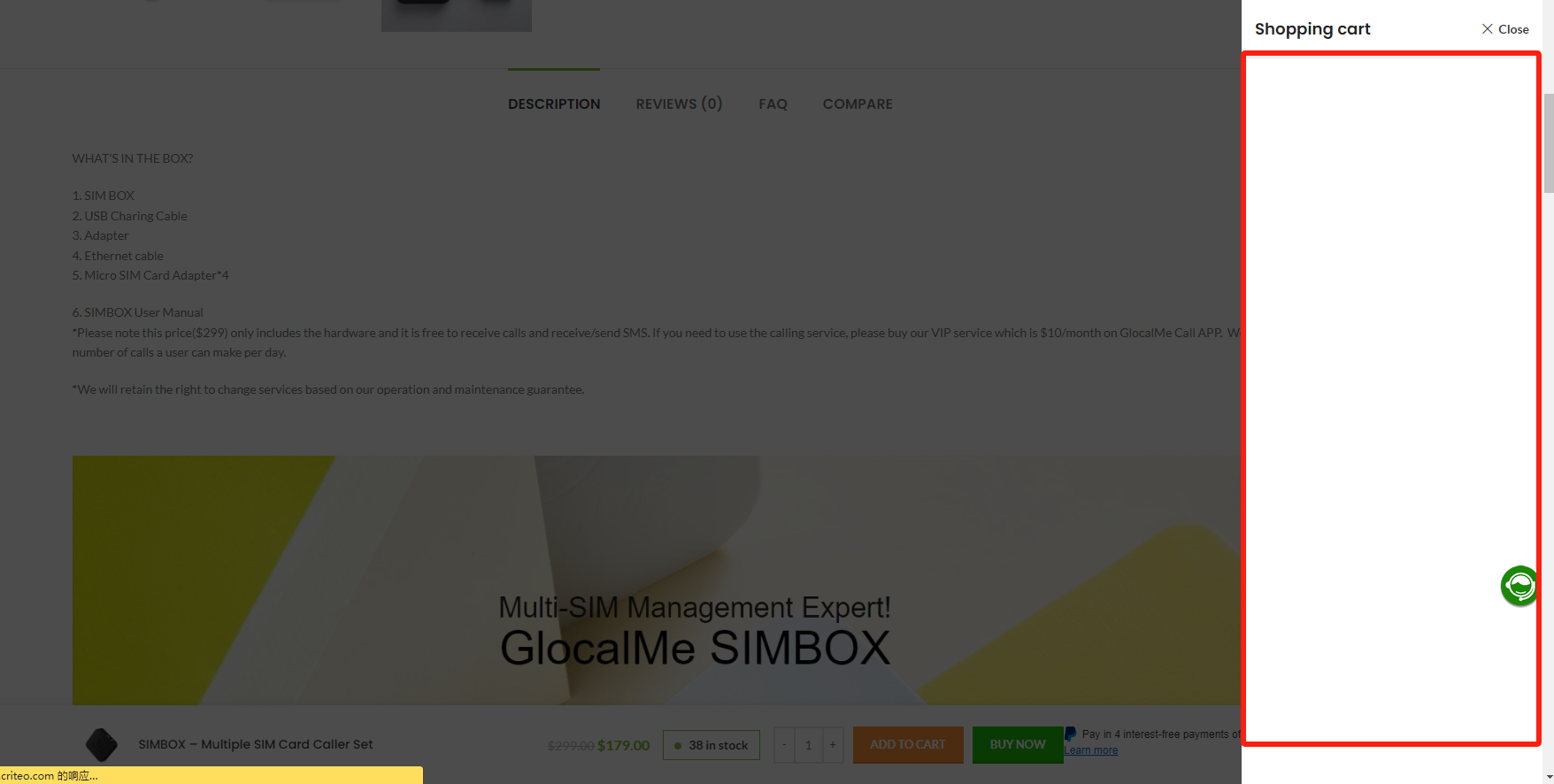
Shopping cart display issues!
I set up the site to show the widget after adding to cart, but the widget that pops up is blank and doesn't have any of the products that I added to my order!
Closed
Hello, Thank you for reaching out to us with your question. We appreciate that you use our theme and are happy to help you in any way we can. To ensure that we are able to provide you with the best support possible, we encourage you to create a new topic on our support forum with your question or issue. Our support team actively monitors the forum and will be able to provide you with a prompt and thorough response. To create a new topic on our support forum, please follow these steps: 1. Visit https://xtemos.com/forums/forum/woodmart-premium-template/ and sign in with your account. 2. Click on the “Create New Topic” button and provide a descriptive title and detailed description of your question or issue. 3. Click “Submit” to post your question. Once you have posted your question on the support forum, our team will review it and provide a response as soon as possible. Thank you for your cooperation, and we look forward to hearing from you on the support forum. Best regards
John Morgan Hi Due to the new WooCommerce layout for the Checkout feature regarding changing and modifying the shipping and Checkout Fields Manager in most demos on the shopping cart page, the settings set from the WooCommerce section are not included on this page and practically do not work. Also, when the template is installed in right-aligned mode, the section related to changing the address remains left-aligned and we must use shopping cart layout number 2 for right-aligned mode. Also, when we set the block size to wide from the Transport Field Manager, no changes are applied. For example, when I set the postal code completion conditions to optional, the asterisk above it is not removed from the change of address section for the zip code and the necessary changes are not applied. This issue needs to be reviewed and redesigned in light of the new update, and you are also asked to design and add other designs for the shopping cart section that do not display the shipping section.