WoodMartW
WoodMart
Sep 22

Make attributes links on the product page

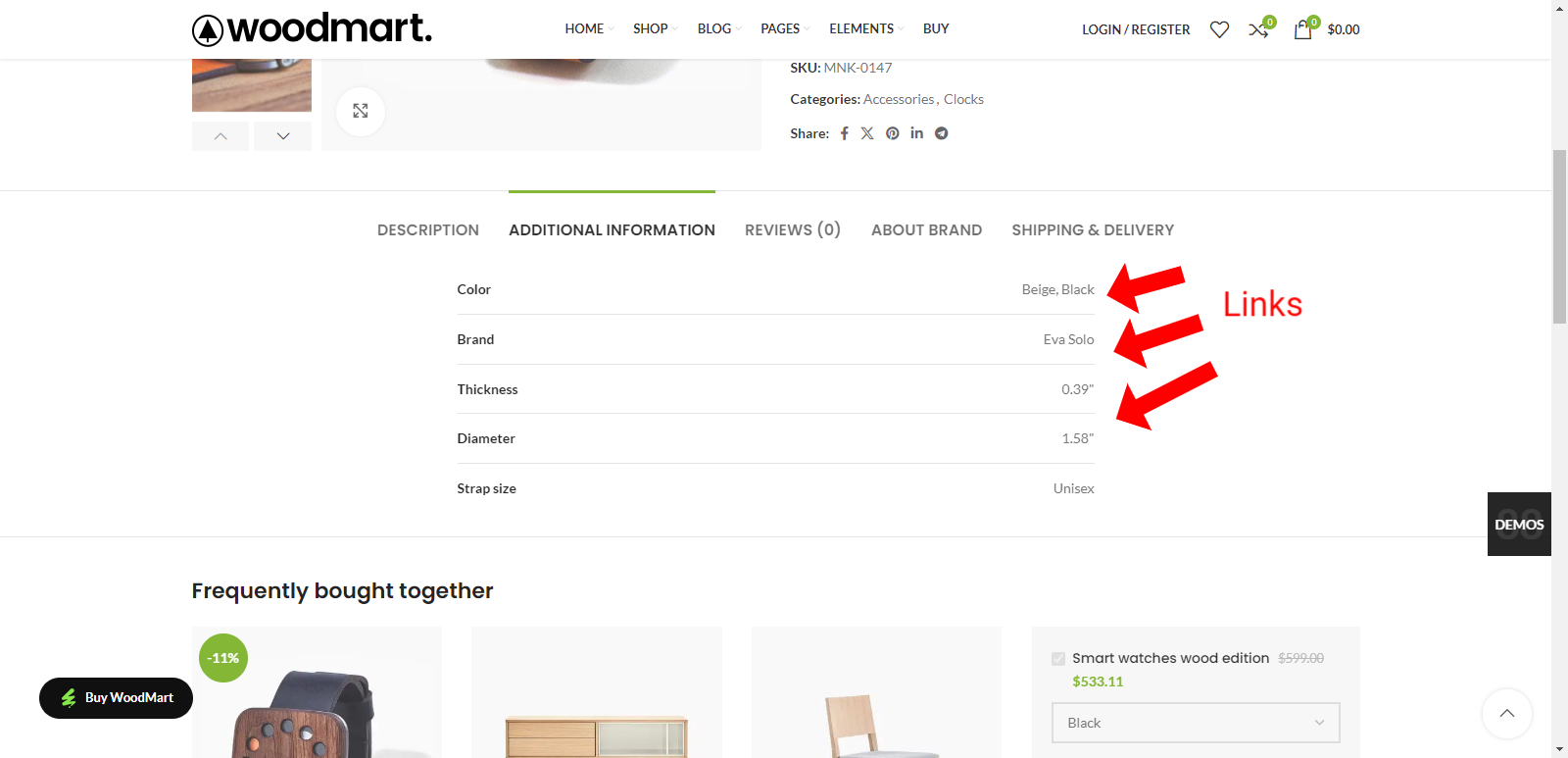
Internal linking is very important for UI/UX and SEO. I suggest at the attribute setting level /wp-admin/edit.php?post_type=product&page=product_attributes&edit=1: 1. Add the option to display attributes as a link on the product page. When it is enabled on the product page, the attribute becomes a link to the attribute filter on the main page (in the same way as the brand photo does now on the product page https://woodmart.xtemos.com/shop/?filter_brand=eva-solo) 2. Custom link. When specifying it, instead of a link to the filter, use the link specified by the user (I think there will often be links to categories or required pages). This is implemented in thousands of different online stores. It is very convenient for users.
PendingPending

Oct 22, 2024

I used to be a love this feature and had it custom build for our websites in the past decades. However, I encountered a different approach which I think is more useful and modern. Make them clickable links with popups and display attribute descriptions in the popup. I posted the suggestion here: https://woodmart.canny.io/feature-requests/p/attribute-descr…

Oct 9, 2024

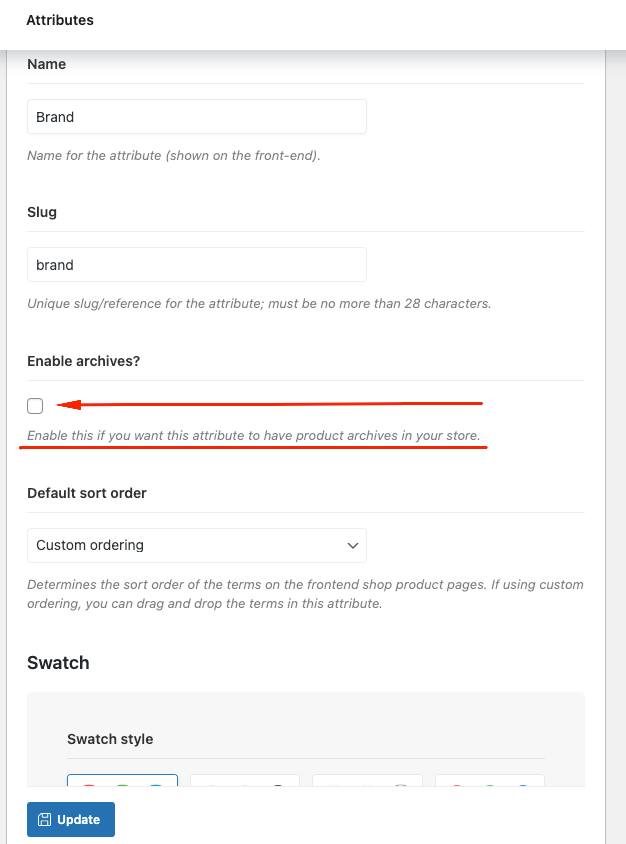
I am not sure about the second point, but the first one has been in the theme from the start. It is called "Enable archives?" and can be found on the attribute settings page.

Oct 9, 2024

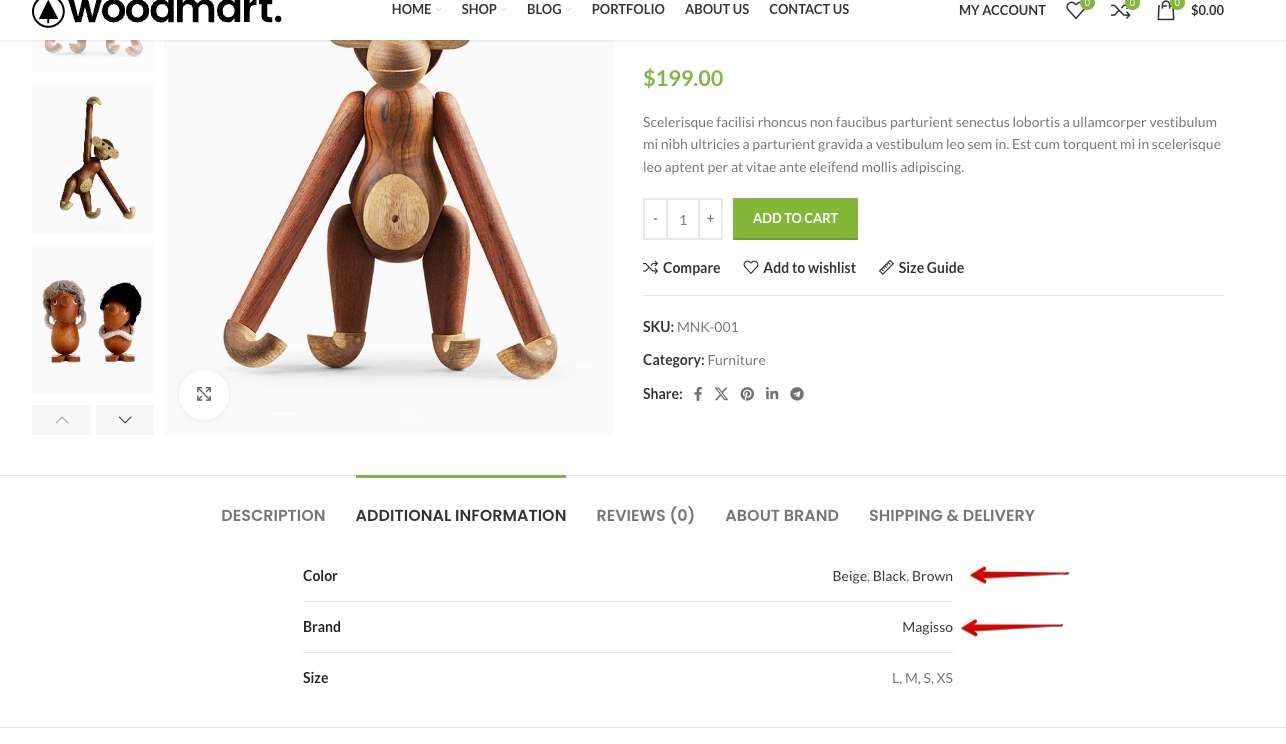
Nikos I No, its different. When you enable archives, the attributes in the attribute table on the product page do not become hyperlinks.

Oct 9, 2024

In addition, the proposal concerns the output of links in the table to: 1) dynamic filtering pages 2) static pages (archives enabled) 3) a custom link (which is required to overlay on a specific attribute)

Oct 9, 2024

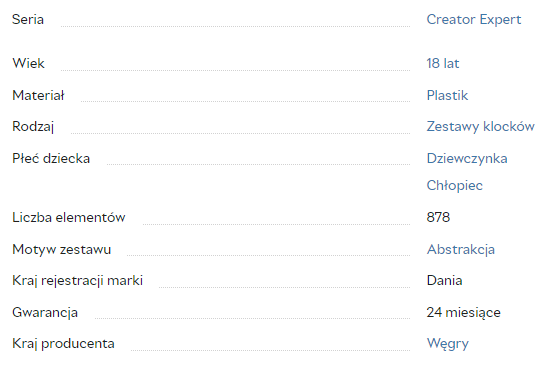
An example of how it looks on certain sites (other platforms)

Oct 9, 2024

Alex Yes, it does. When you enable archives on WooCommerce attributes, the attributes in the single product attribute table become links that filter products by this attribute on the shop page. I just checked this locally on the latest version of WoodMart, and nothing significant has changed — everything works as it should. Check the video how it works https://monosnap.com/file/5GcPktM1QCyJpSrBykuC4m9oYMTR9b Moreover, this is standard WooCommerce functionality that has not been significantly altered in the WoodMart theme. It works this way even in the Storefront theme. https://monosnap.com/file/TnMwOlqoJ44kzZlKAKqSBjl9tjXsey

Oct 9, 2024

Nikos I You didn't understand again. Archives may be enabled, but another link is needed - to the filter (for example, https://woodmart.xtemos.com/shop/?filter_color=red). Or the archives are turned off (like mine), but I need a link to the filter (dynamic page) or custom links specified by me (separate for each parameter).