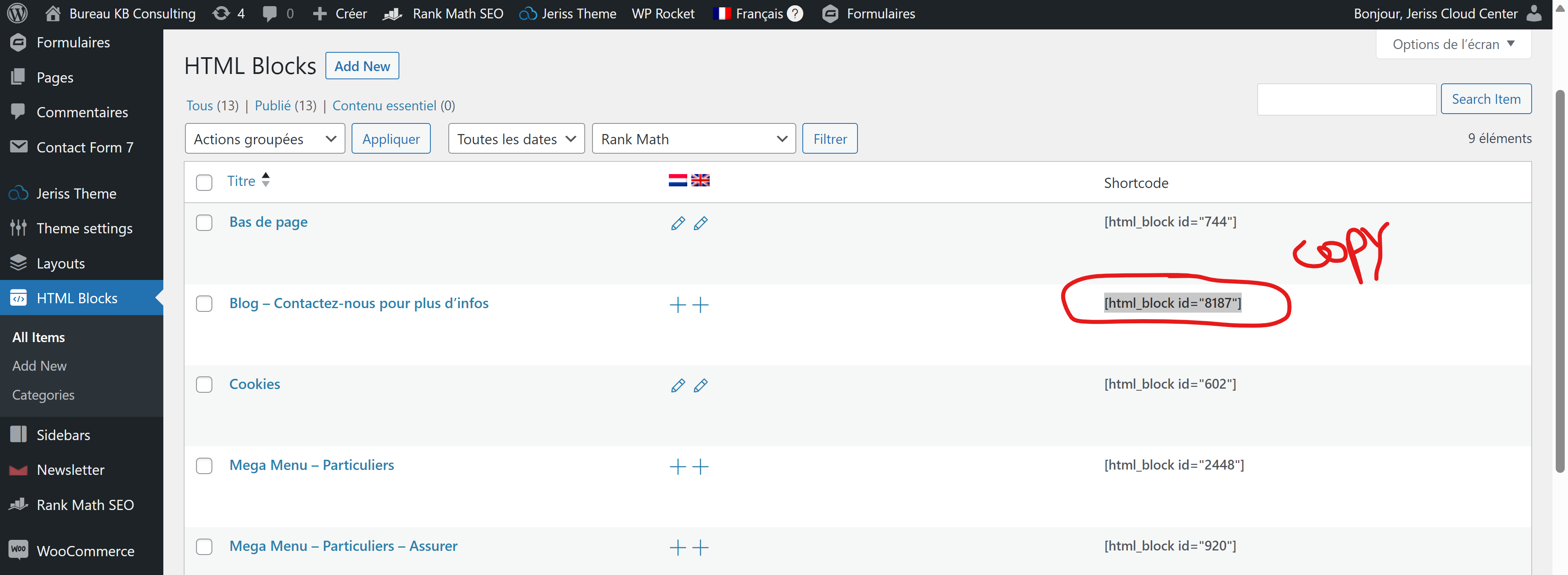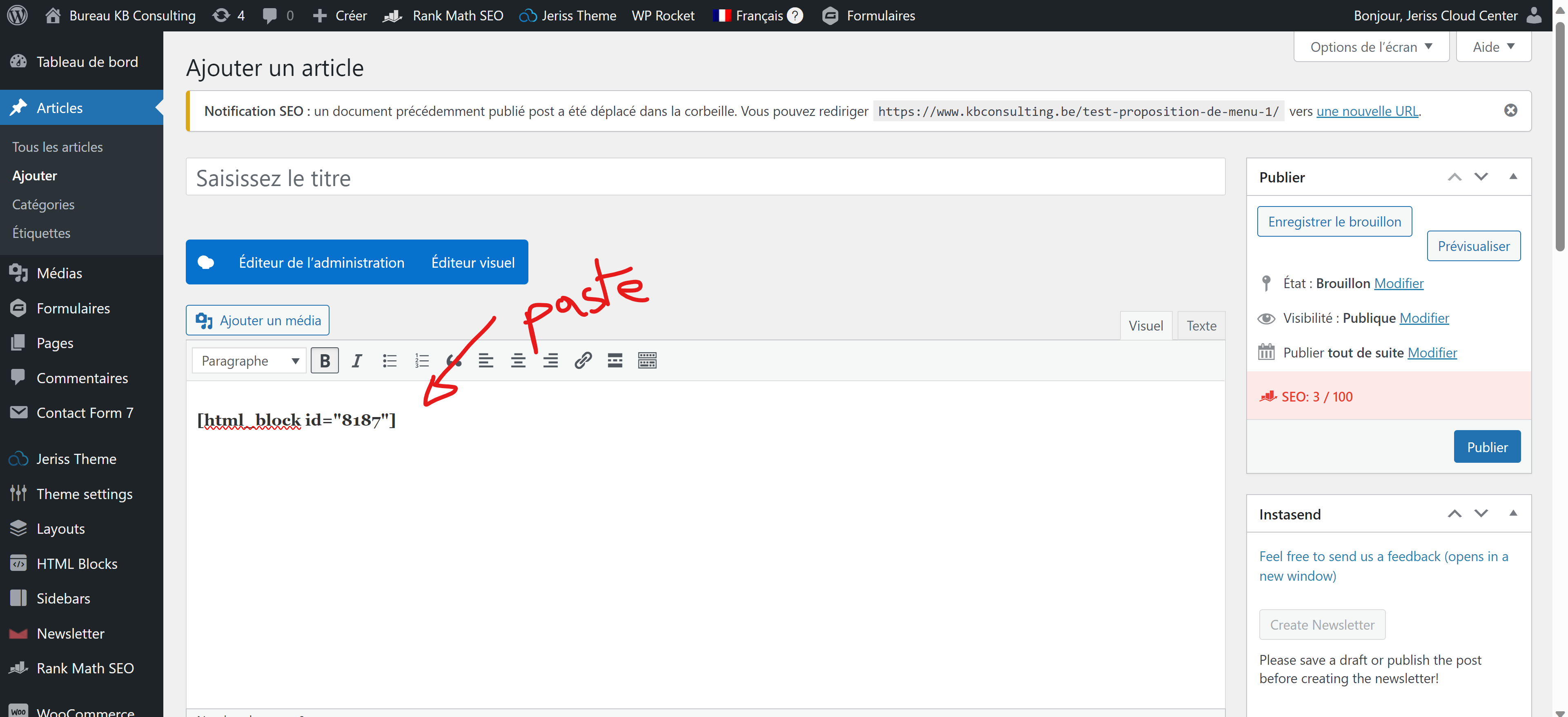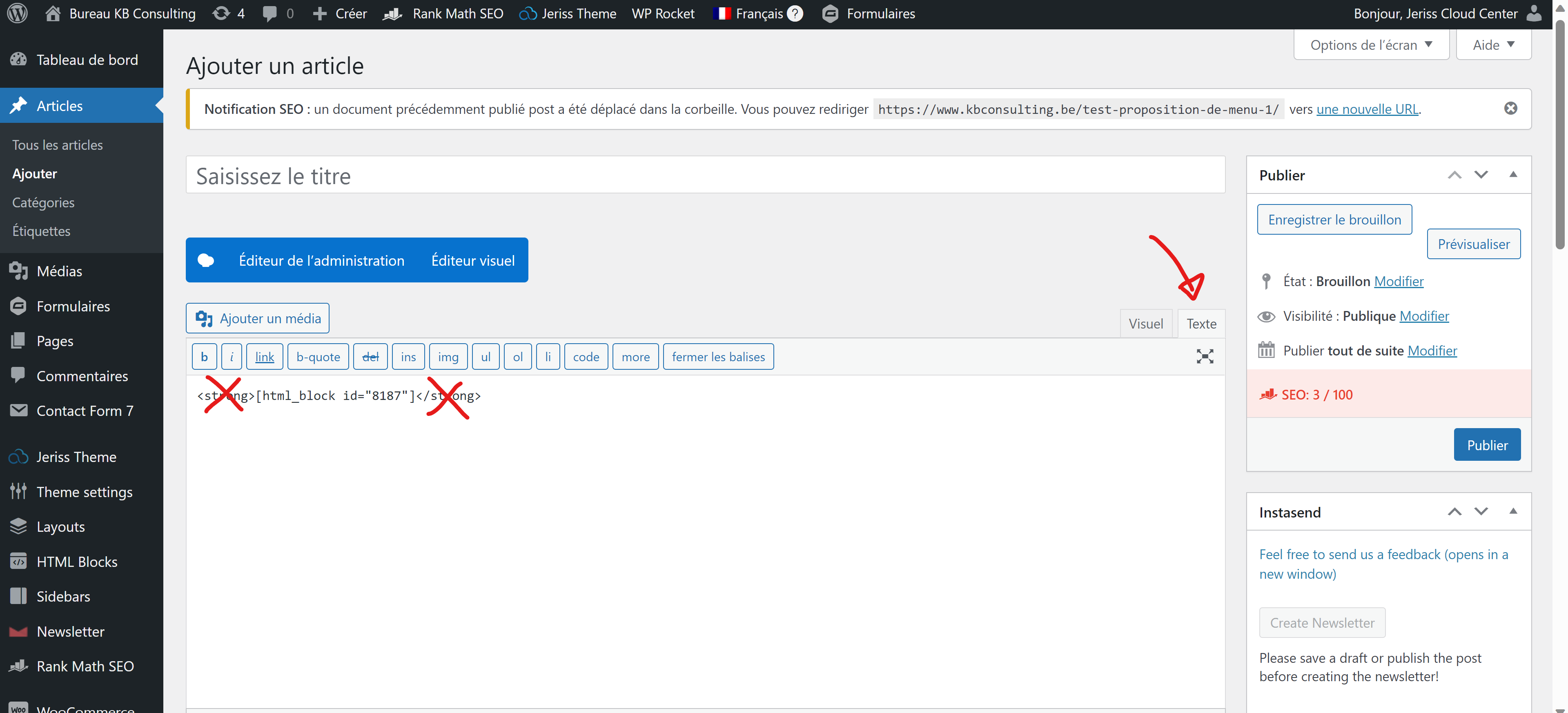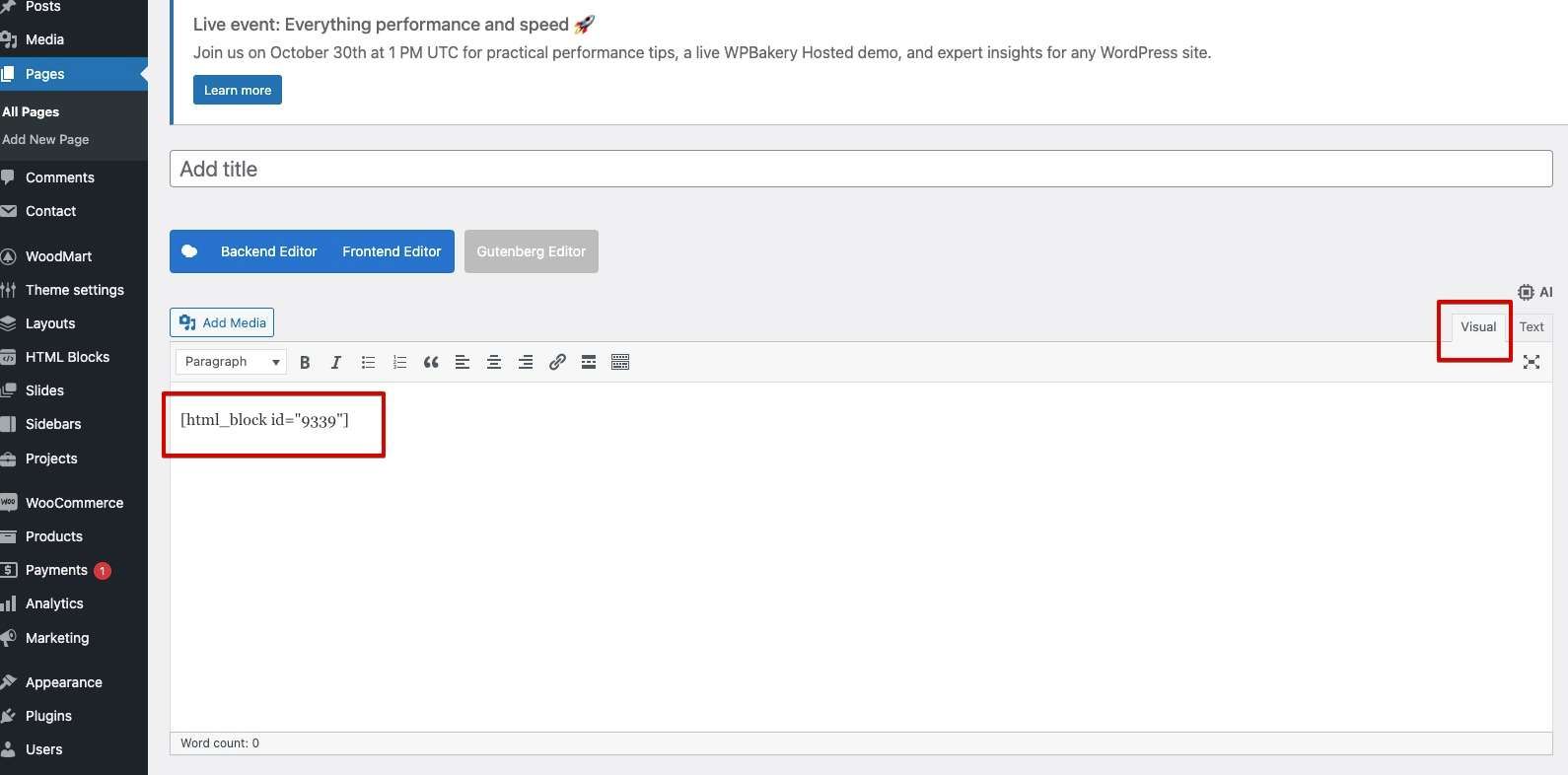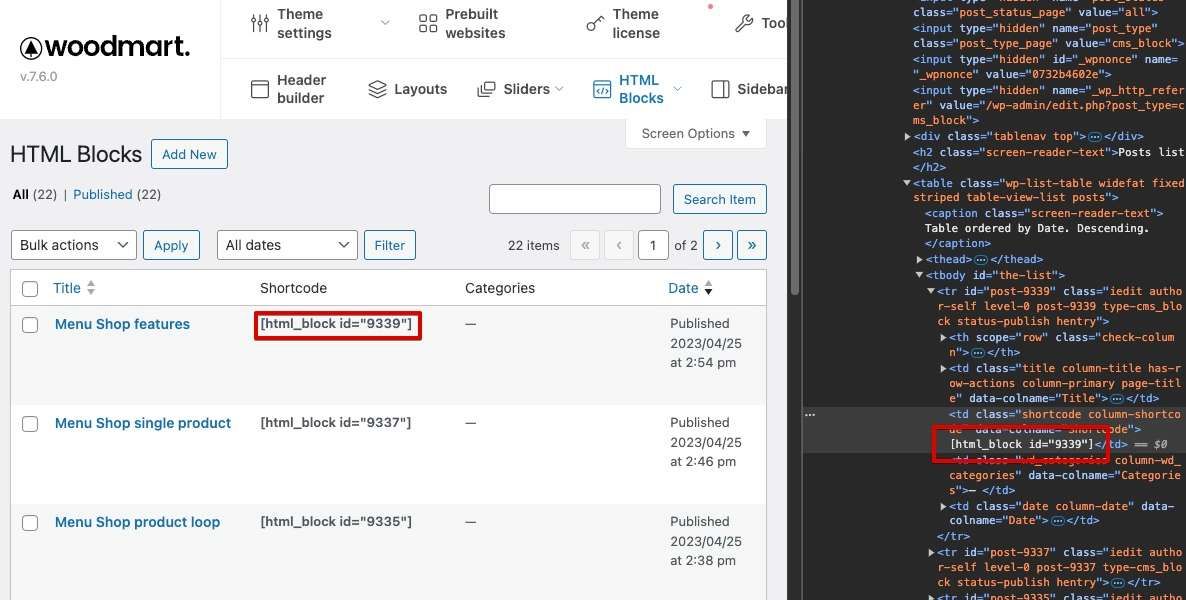
bold is still there when you copy the shortcode.
Amy Skea yes exactly ! this is not solved, please support fix it and remark this as NOT SOLVED
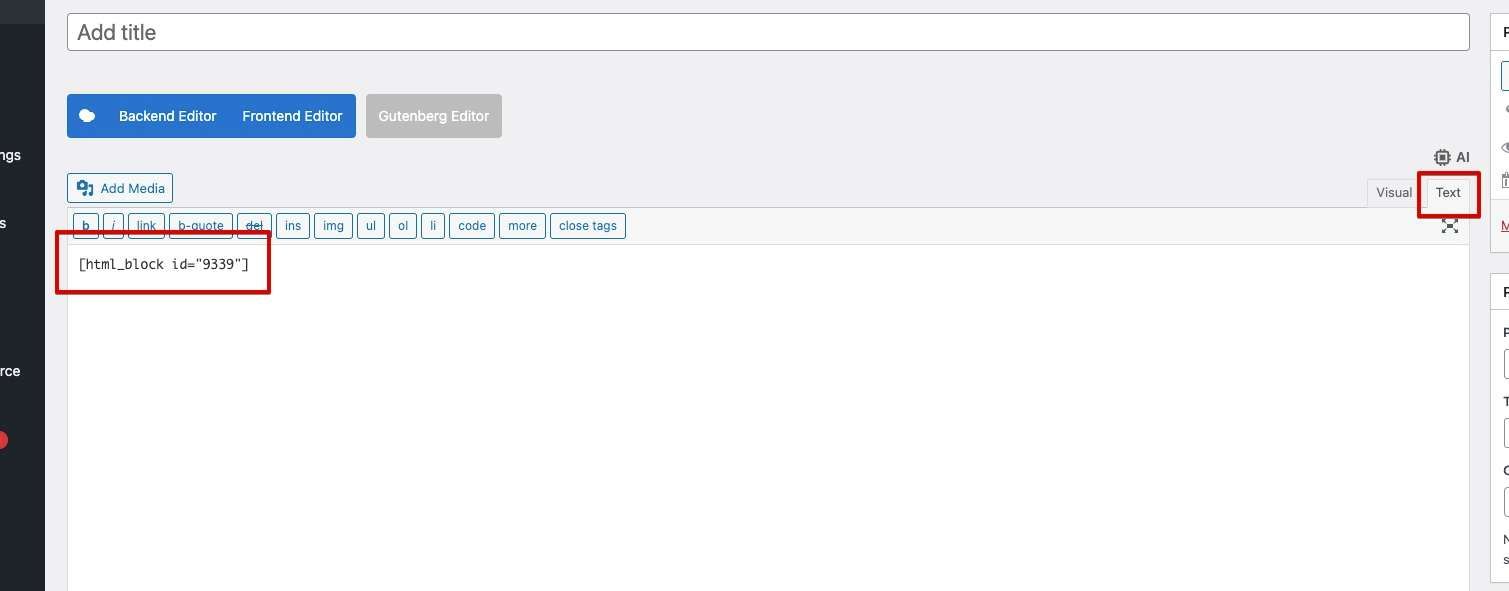
Jeriss Cloud Center Before the changes related to this issue, the HTML block shortcode was wrapped in a <strong> tag and was copied along with it, causing all the text in its content to appear bold. After the changes, the <strong> tag around the shortcode was removed from the HTML blocks table and is no longer copied with the shortcode (as seen in the page code from the provided screenshots). This is why the feature request was marked as completed. Below are the screenshots from the same locations mentioned in the feature request description for theme version 7.6. The screenshots show that the HTML block is no longer wrapped in a <strong> tag and no longer affects the boldness of its content. If you are indeed experiencing any issues with bold text in HTML blocks, please create a separate topic on the support forum (https://xtemos.com/forums/forum/woodmart-premium-template/), where you can provide detailed information with screenshots or a video, specifying which version of the theme and which builder you are using, as well as where and how exactly you are inserting the shortcode. Our support team will do their best to assist you with this issue.
this is very annoying!
Xtemos Team it is still there and therefore not fixed