
Nov 29
Auto Disable Ununsed JS and CSS files
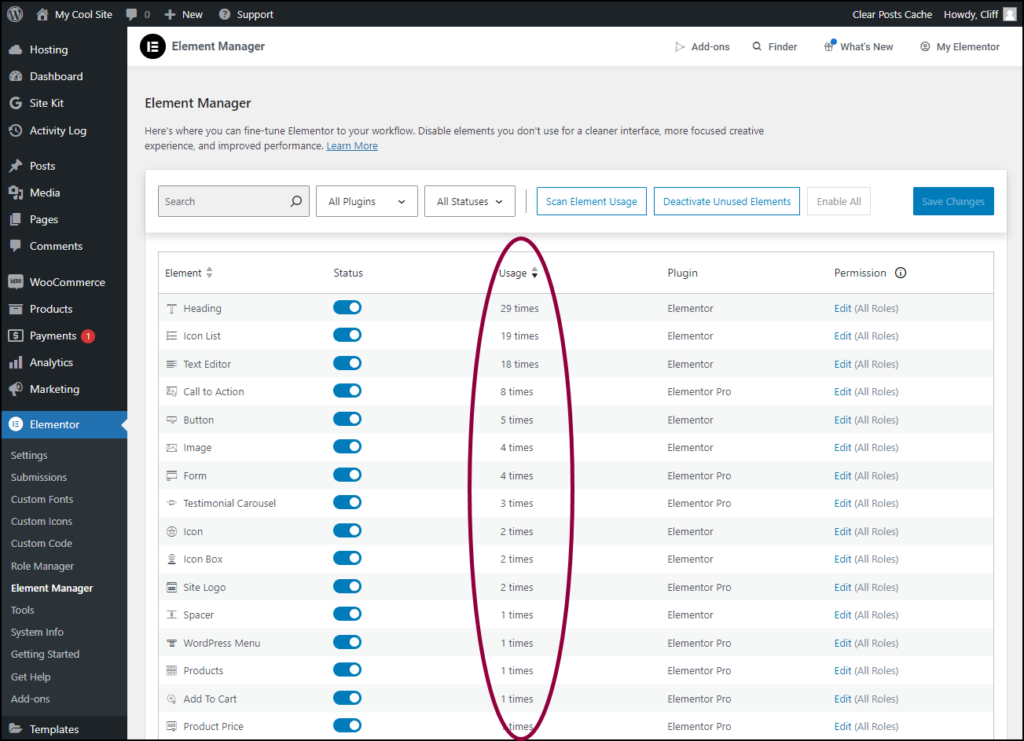
It is really good for performance if there as an option to find and list used and unused features, and then the ability to deactivate all unused features.
Mainly after the setup of a website is complete, we can do this to have the possible performance.
The current features in performance not easy to use, because there is many items that we don't know them, also there is no automatic system to show which one is not currently used on the website.
Also, it is so good if there is a help page to explain each item.
Kind Regards
Pending
Hi, WoodMart already works like that. Scripts and styles load only when actually needed, on multiple levels. Total the theme has around 500 CSS files, 160 scripts and 20 libraries split up, and each page only pulls in what it actually needs. Even if an option is enabled in settings, if its feature isn't actually on that page, the code won't load there either - say, "Frequently Bought Together" only shows on the product page, so it won't load on Homepage or My Account. This applies to almost all theme functionality and just works automatically, no toggles needed.